Drive on your schedule
Choose when you want to go online and make yourself available for ride offers.
Drivers
Choose when you drive, receive local ride opportunities and manage your driver account through the ONECAB Driver app.
The ONECAB Driver app is available on the App Store and Google Play.
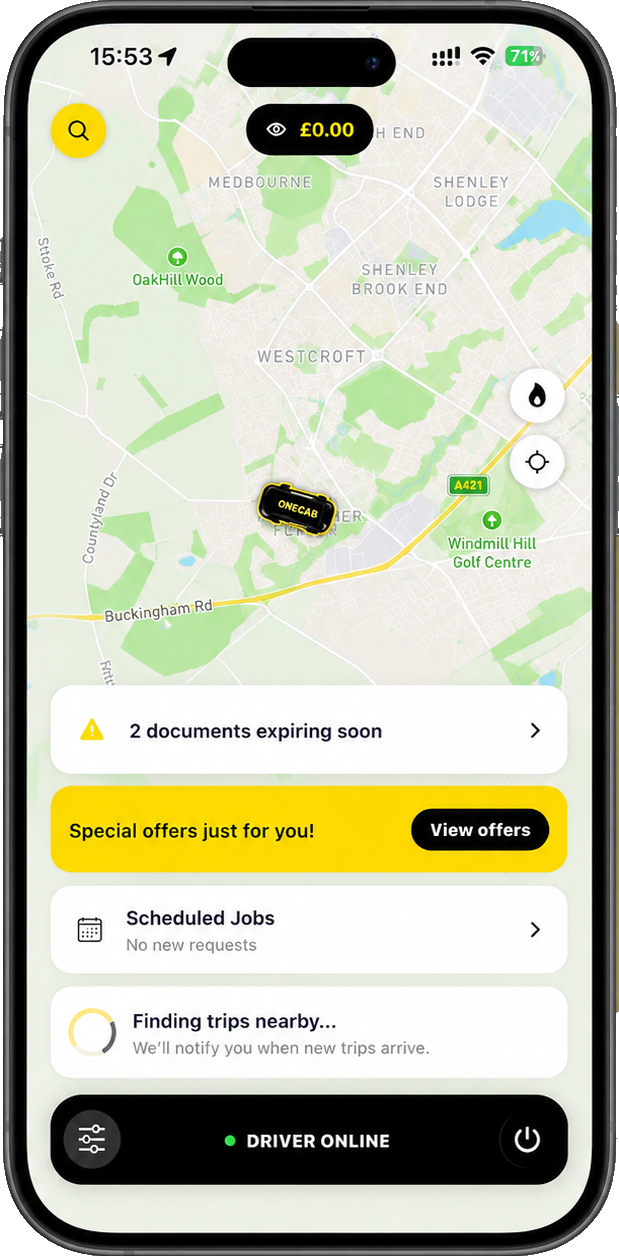
ONECAB gives licensed private-hire drivers the tools to manage rides and earnings from one app.
Choose when you want to go online and make yourself available for ride offers.
Review the important trip details provided with each ride offer before accepting.
Handle ride offers, active trips, documents and account information from the ONECAB Driver app.
View completed trips, earnings and wallet activity from your driver account.
Install the official ONECAB Driver app on your compatible smartphone.
Open the app, enter your details and select the service area where you are licensed to drive.
The app will show the driver and vehicle requirements for your selected service area.
Complete the required steps in the app and submit your account. ONECAB will notify you when its status changes.
Driver and vehicle requirements vary by service area and licensing authority. Create your account in the ONECAB Driver app and select your service area to see the requirements that apply to you.
All required information and documents must be submitted securely through the ONECAB Driver app.
Choose when you are available to receive ride offers.
See the trip information provided in the app and decide whether to accept.
Follow the guided trip workflow from pickup to destination.
View earnings, account information and document status in one place.
Need help with registration, account access or the Driver app? Contact ONECAB Support for assistance.
Download the ONECAB Driver app, create your account and follow the in-app instructions.
Registration is available only in the app.